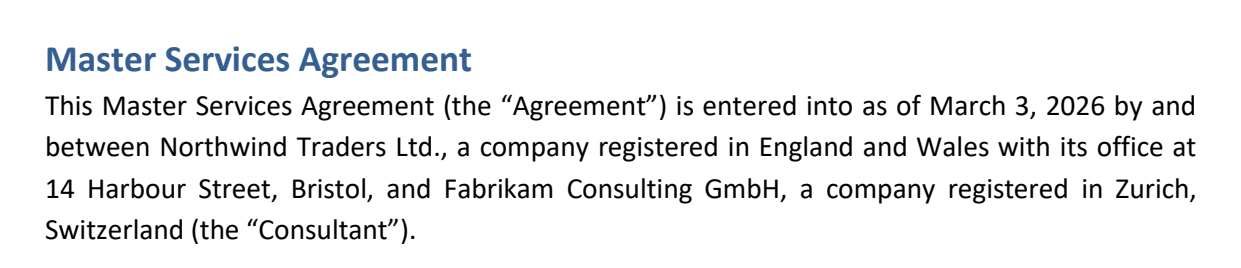
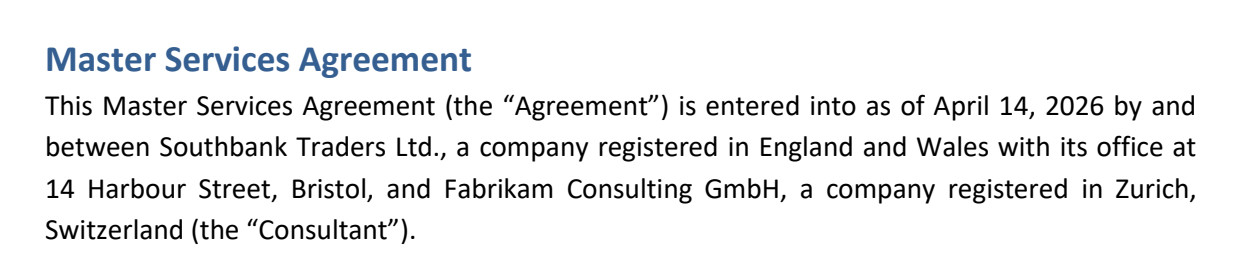
No more font or formatting problems after edits

Edit PDF text

Click any line and type. The new text is set in the document's own font, at the same size and spacing.

Choose a PDF

or drop it here · up to 20 MB and 50 pages

No file at hand? Try:ContractInvoiceReport

How to edit text in a PDF

A company name changed in a contract, start to finish: about ten seconds.

A click on the company name opens the paragraph; “Northwind” is typed over as “Southbank” and applied — the new word is in the document's own font
  1. Open the PDF

    Choose a file or drop it on the page. No file at hand? Open one of the samples to try it first.
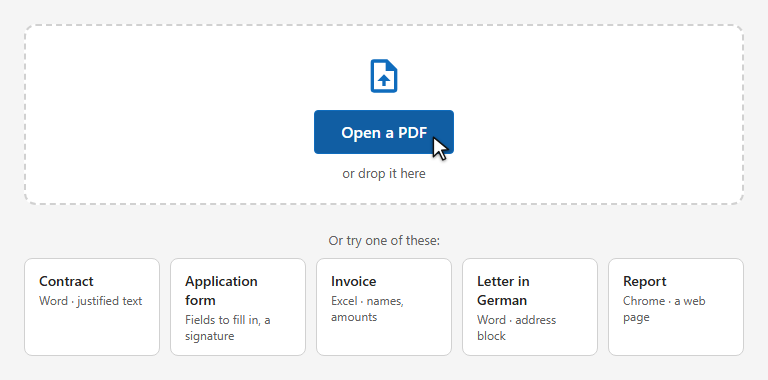
    The start screen: the Open a PDF button and samples to try
  2. Click the text you want to change

    Lines light up under the mouse. A click opens the whole paragraph; in a table or a form, the one line.
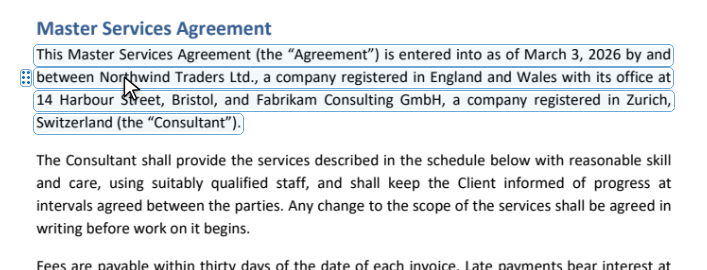
    The paragraph lights up under the pointer
  3. Type the change

    Select the word and type over it. In a paragraph the words move between the lines as you type, and the margins stay straight. Enter applies, Esc cancels.
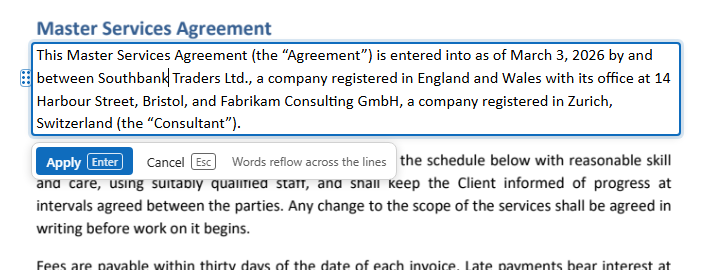
    The paragraph open for editing, with Apply and Cancel under it
  4. Check the result

    The new text is set in the document's own font, size and spacing. The dotted mark beside the paragraph shows where you changed the page — it is not in the file.
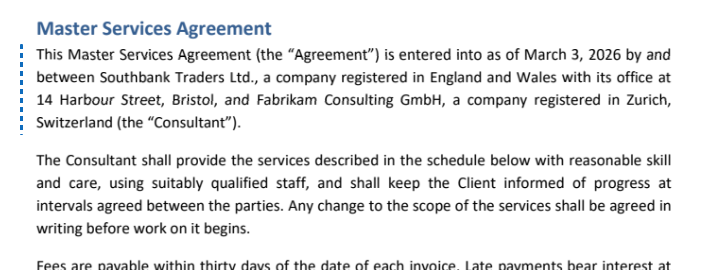
    The changed paragraph: Southbank in the same font as the text around it
  5. Compare with the original

    Press Compare and drag the line across the page: on its left the page as it was, on its right as it is now.

    The line is dragged over the word: Northwind on the left side, Southbank on the right
  6. Download

    Press Download. Tell us with the stars how well it went, if you like, and save the edited PDF.
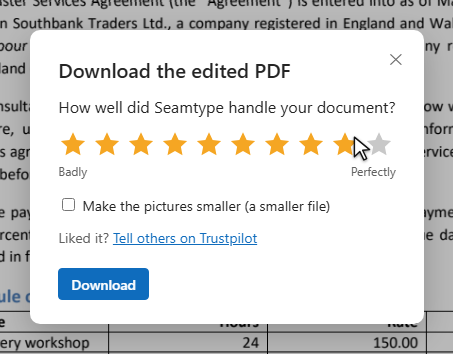
    The download window: ten stars to rate the result and the Download button

How Seamtype edits text

Most editors take the text out and set it again in a font they have. That is why an edited line often looks a little different. Seamtype changes only the letters you changed, and draws them the way the document's author did.

Before After BeforeAfter
  1. The document's own font

    The new letters come from the font inside the PDF — the same shapes, weight and size as the words around them.

  2. Missing letters from the same typeface

    A PDF usually carries only the letters it uses. When you type one it lacks, Seamtype takes it from the same typeface instead of switching to another font — and if it can't, it tells you.

  3. The line keeps its spacing

    Letter spacing and kerning stay as they were. In justified text the spaces are shared out again, so both margins stay straight; a longer edit re-breaks the paragraph like a word processor would.

  4. Every edit is checked

    After each change the page is drawn again and compared with the original. Only the words you changed may differ; if anything else moved, the edit is undone and you see why.

What you get

Edits nobody can spot

No other font, no shifted line, no white box over the old text.

Whole paragraphs

Rewrite a sentence and the lines re-break; the paragraph keeps its shape.

Proof of what changed

“Compare” puts before and after on one page; the list of edits names every change.

The rest of the file as it was

Links, bookmarks, form fields and comments stay in place.

Nothing to install

Works in the browser on a computer, a tablet or a phone.

Undo anything

Every change is in the list of edits; step back as far as you need.

Why PDF editors change your font →

Good to know

Scanned pages

A scan is a picture of text: there are no letters to change. The editor tells you when a page is a scan.

A letter the font lacks

If neither the document nor the same typeface has the letter you type, the edit is not made, and you are told which letter it is.

Signed documents

Changing a digitally signed PDF breaks its signature. The signature is not carried over to the edited file.

Also in the editor

Add a line

“+ Line below” adds text in the same font as the line above.

Move and copy lines

Drag a line by its handle; with Alt, a copy.

Find and replace

Every “2025” to “2026” in one go, each in its own font.

Questions

Can I edit a PDF without Adobe Acrobat?

Yes. Open the file on this page — there is nothing to install.

Why does the edited text look different in other editors?

They usually set the line again in a font of their own. Seamtype uses the document's font and keeps the line's spacing, so the change does not show.

Can I undo an edit?

Yes. Every edit is in the list of edits; undo and redo go back and forth through them until you close the document.

Other tools