No more font or formatting problems after edits
Type what to find and what to put instead. Replace one by one, or every match at once — each in its own font.
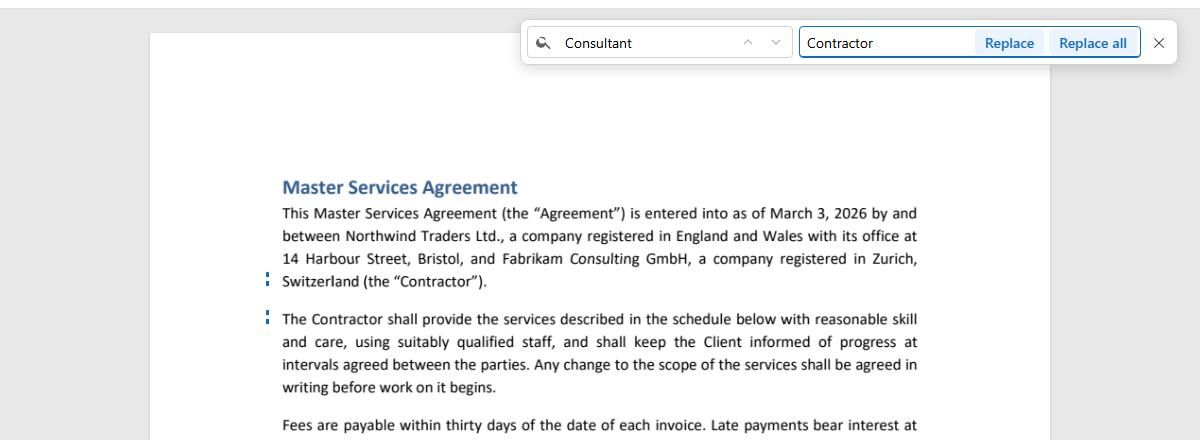
Every “Consultant” in a contract becomes “Contractor”.

Press Find on the left (or Ctrl+F) and type the word. The matches light up on the pages; the counter shows how many there are.
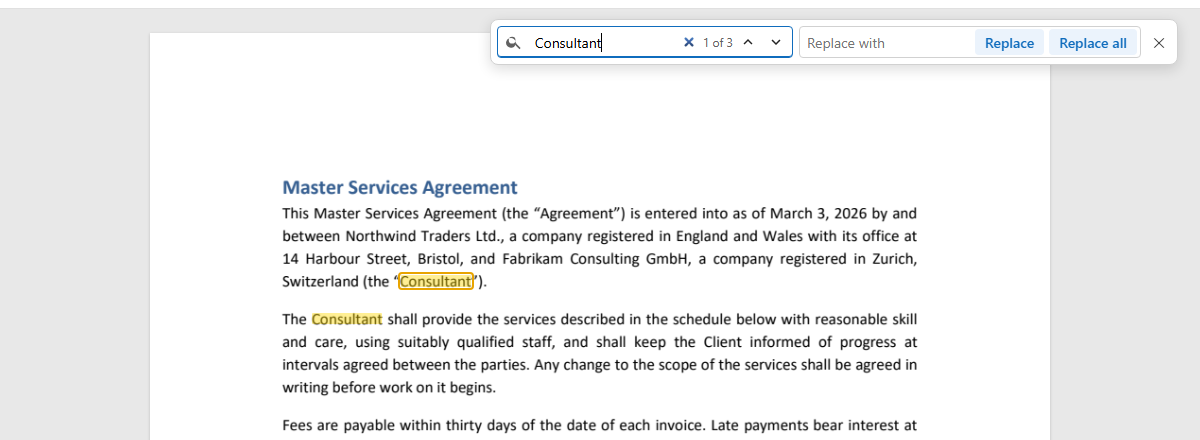
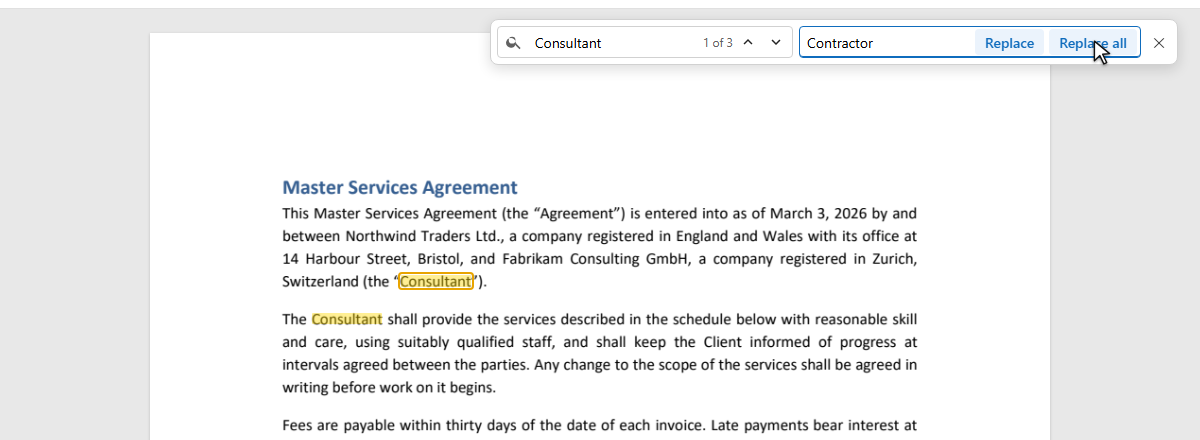
Type the new word in Replace with. Replace changes the match in view and goes to the next; Replace all changes every one.
Every replaced word is in the list of edits; one undo takes back the whole replacement.
A word can appear in a heading, in body text and in a table, each in a different font and size. Replacing them all with one style would show. Seamtype replaces each one in its own place, the way Edit text does.

Every match is replaced with the font, size and colour of the word it replaces.
A longer or shorter word moves the rest of its line; in justified text the spaces are shared out again.
Every replacement is compared with the page before it; a place that cannot be changed cleanly is skipped and named.
Replace all is one entry in the list of edits: one undo restores every match.
Names, dates, prices — every match in the document.
Each word in the font it had.
Replace, look, go to the next.
“1 of 3”: you know how many there are.
Change your mind about the whole replacement.
In the browser, on a computer or a phone.
Text inside a scanned picture cannot be found or replaced.
If a match's font has no letter you type and the same typeface is not available, that match is skipped, and you are told.
Yes. Find the word, type the replacement and press Replace all — in the browser, nothing to install.
Yes: every match is set in its own font, size and colour.
Yes: Replace all changes every match in the document.