No more font or formatting problems after edits

Fill in a PDF form

Type into the fields, tick the boxes, pick from the lists. The values go into the form itself.

Choose a PDF

or drop it here · up to 20 MB and 50 pages

No file at hand? Try:Application form

How to fill in a PDF form

A membership form filled in: name, email, country and a tick.
The name and email are typed into the fields, a country is picked from the list and the box is ticked
  1. Pick Fill form


    Open the PDF and press Fill form on the left. The fields of the form are marked on the page.
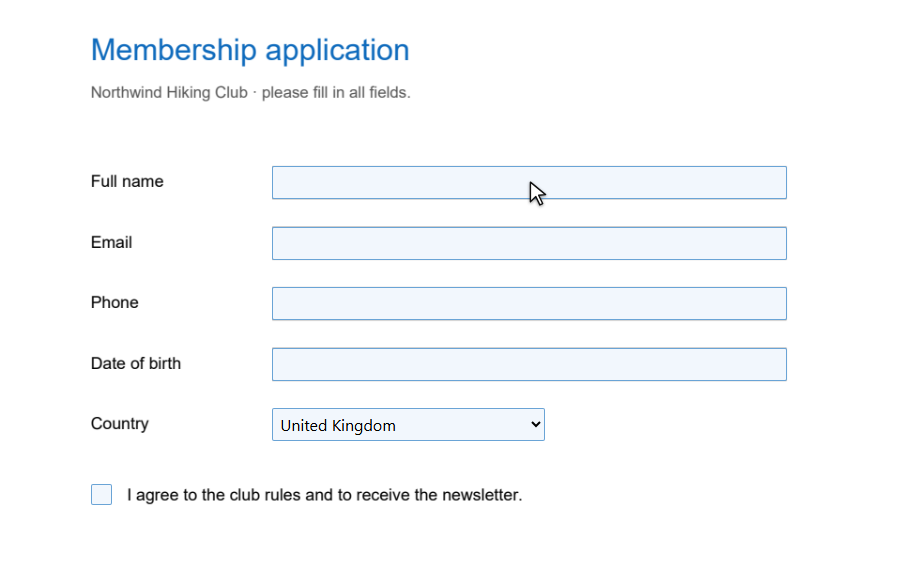
    The form with its fields marked in blue
  2. Fill in the fields

    Click a field and type; the value goes in when you leave the field. Tick boxes with a click, pick from lists as usual.
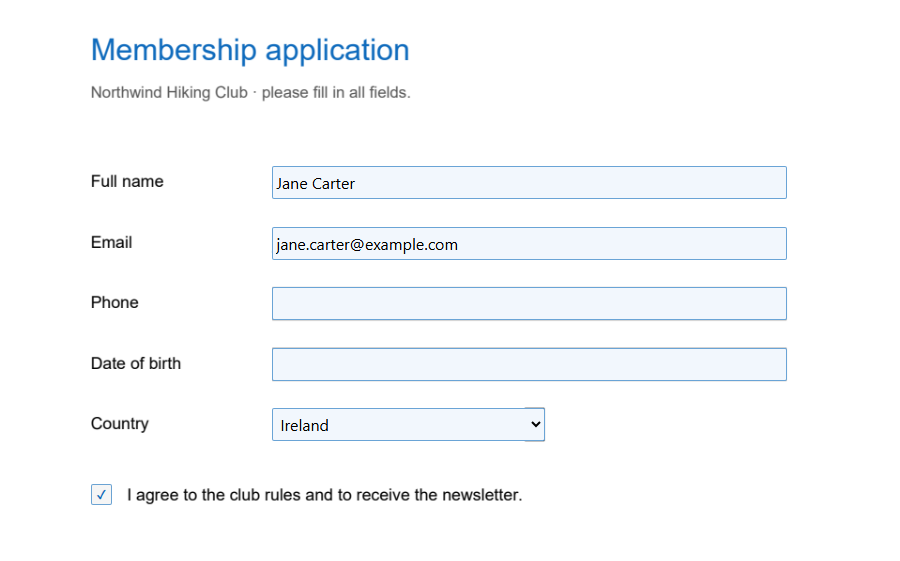
    The fields filled in, a country picked and the box ticked
  3. Download

    Press Download. The form opens filled in, in any PDF reader.
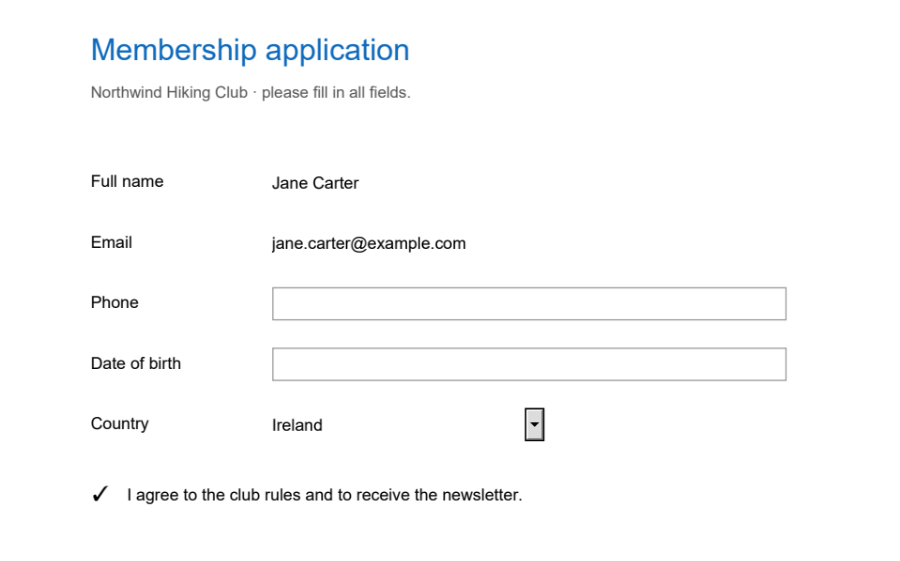
    The filled-in form as it will look in the file

How the values go into the form

A PDF form has fields with names and places. Typing on top of the page leaves the fields empty — the next program that opens the form sees nothing. Seamtype writes the values into the fields themselves.

A filled-in form
  1. Into the fields

    Text, check boxes, radio buttons and lists keep their values in the form, where other programs read them.

  2. Still a form

    The fields stay fields: whoever receives the PDF can still read and change the values.

  3. The form's own look

    Each value is shown the way the form says it should be: its font, size and alignment.

  4. Each value can be undone

    Every field you change is one entry in the list of edits.

What you get

Real form data

Values in the fields, not text over them.

Boxes and lists

Tick, choose, pick a country — all kinds of fields.

Then sign it

Add your signature on the same page.

On a phone

Fields are big enough to tap.

Undo any field

Step back through the list of edits.

Forms without fields too

Write on them with Add text.

Good to know

No fields?

If the page says “This page has no form fields”, the form is flat — fill it in with Add text.

Read-only fields

Fields the form's author locked are left as they are.

Questions

Can I save a filled-in PDF form?

Yes: press Download. The values are in the form's fields, so any reader shows them.

Can the person I send it to change the values?

Yes, the fields stay fields. If the form must not change, print it to PDF in your reader after filling it in.

How do I fill in a form that has no fields?

Use Add text: click on the line and type, and the text takes the style of the form.

Other tools