No more font or formatting problems after edits

Add a picture to a PDF

Put a logo, a stamp or a photo on the page. Drag to size it, then move or turn it as you like.

Choose a PDF

or drop it here · up to 20 MB and 50 pages

No file at hand? Try:InvoiceReport

How to add a picture to a PDF

A company logo put at the top of an invoice.
A box is dragged at the top right of the invoice and the logo appears in it
  1. Pick the picture

    Press Picture on the left, then Pick a picture… above the page and choose a PNG or JPEG file.

    The picture chosen, shown above the page
  2. Drag where it goes

    Drag a box on the page: the picture fills it and keeps its shape. A click instead puts it there at a usual size.
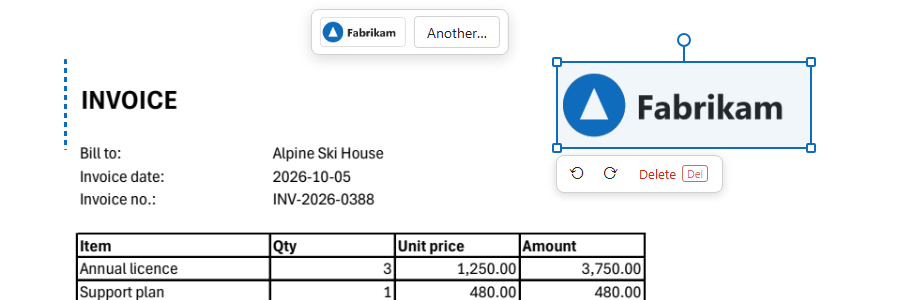
    The logo on the page with handles to resize and turn it
  3. Adjust it

    Drag to move, a corner to resize, the round handle to turn (with Shift, in steps of 15°). Click elsewhere when it is right.
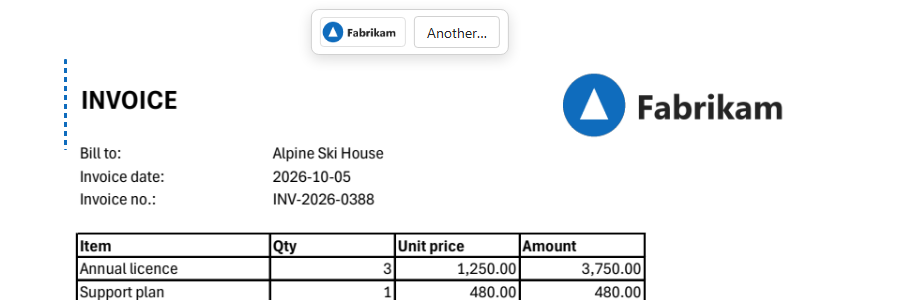
    The invoice with the logo

How the picture is placed

The picture goes on the page as a stamp: it lies on top of the page and keeps every pixel, whatever you do with it afterwards.

A logo at the top of an invoice
  1. Its own shape

    However you drag the box, the picture keeps its proportions inside it.

  2. Transparency kept

    A PNG with a clear background stays clear: only the logo lands on the page.

  3. Turned without loss

    Turning by any angle and back leaves the picture exactly as it was.

  4. The page untouched

    The text and drawings under the picture stay as they are; take the picture off and the page is as before.

What you get

Logos, stamps, photos

PNG or JPEG, up to 6 MB.

Clear backgrounds

Transparent PNGs stay transparent.

Move, size, turn

Handles on the picture, like in a slide editor.

Any page

Put the same picture on as many pages as you need.

Delete in one click

Or press Delete with it picked.

Nothing to install

In the browser, on a computer or a phone.

Good to know

A signature

For a signature, use Sign: it takes the ink out of the paper and keeps it for next time.

Large photos

A big photo makes the file big. Tick “Make the pictures smaller” when you download.

Behind the text

A picture lies on top of the page; it covers what is under it.

Questions

How do I add a logo to a PDF?

Press Picture, pick the logo file, and drag a box where it goes. A PNG with a transparent background looks best.

Can I add a JPG to a PDF?

Yes, JPEG and PNG pictures up to 6 MB.

Can I rotate the picture?

Yes: drag the round handle above it, or use the turn buttons by it.

Other tools